A button starts the motor: a robot with rules
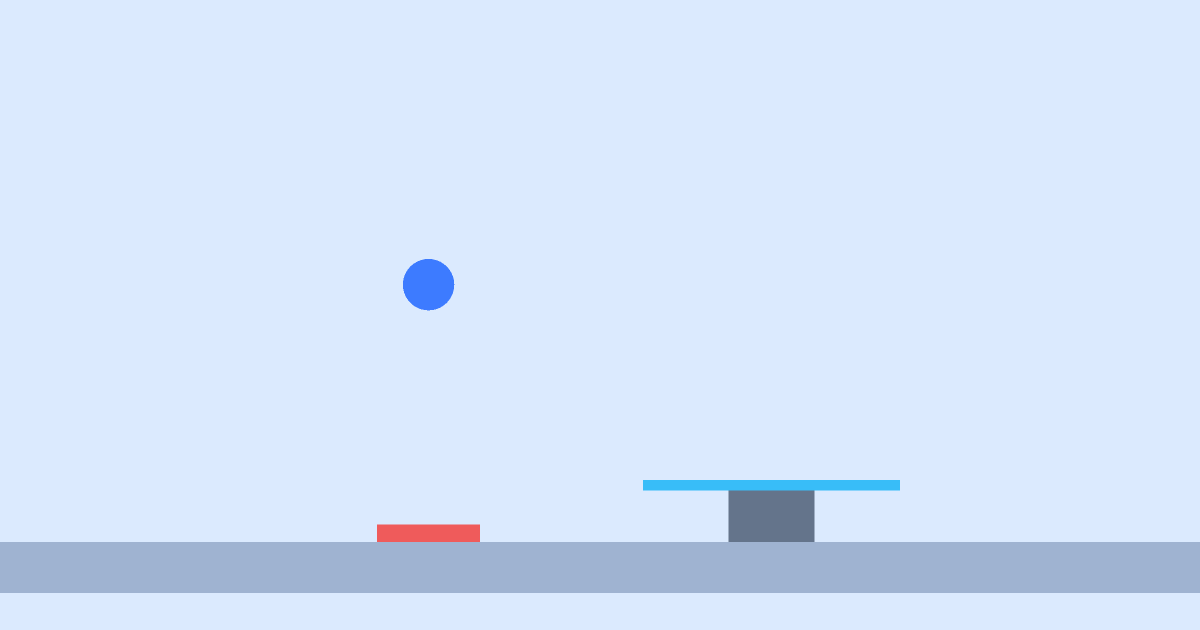
A ball drops onto a button — it turns green and the carousel motor starts. Space pushes the ball again.
3D
Age 9+10 min
Logic & robots3D scene
Loading simulation…
Drag to orbit the scene, scroll to zoom. Press “Run”.
What the experiment shows
The motor is not on by itself: a rule starts it. Conditions can be combined: “touch AND key”.
How to run it
- Open the “Logic” tab and find the rules.
- Press “Run”: the ball falls on the button.
- Press Space — the ball hops.
Questions to discuss
- What happens if the ball rolls off the button?
- How to make the motor spin the other way?
The science
A touch sensor is a robot’s simplest sensor. A condition and an action make a rule, and a set of rules is a behaviour program.
Try it at home
Draw a scheme on paper: “if pressed — spins”. Invent three rules of your own.
What to change in the editor
- Change the motor speed in the rule.