Who Tymora is for and what to do with it

The editor combines vector graphics, 3D and physics simulation. Below are typical scenarios, from a school club to a product team.

Built-in AI assistant

Describe it in words — get an editable design

Ask the AI to draw a picture, a business card, a flyer, a website banner or a button. The model creates vector layers rather than a flat image: recolour them, change the text and take them apart.
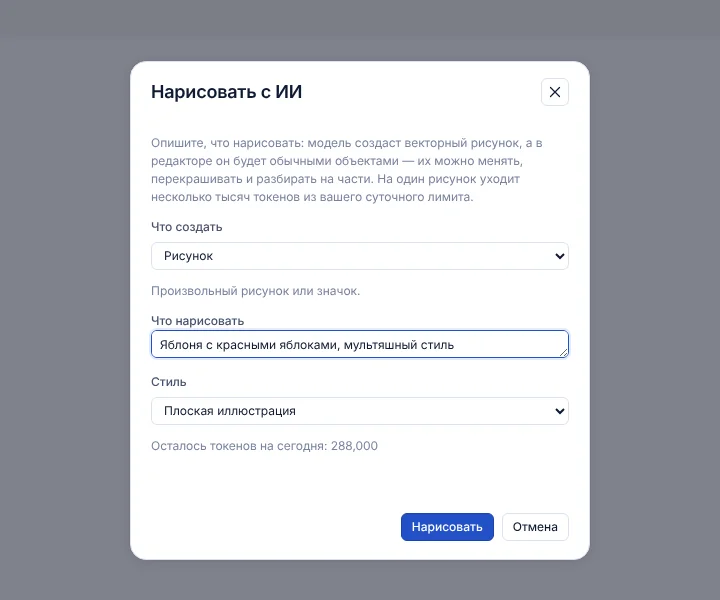
DrawingBusiness card 90×50A5 flyerWebsite bannerButton
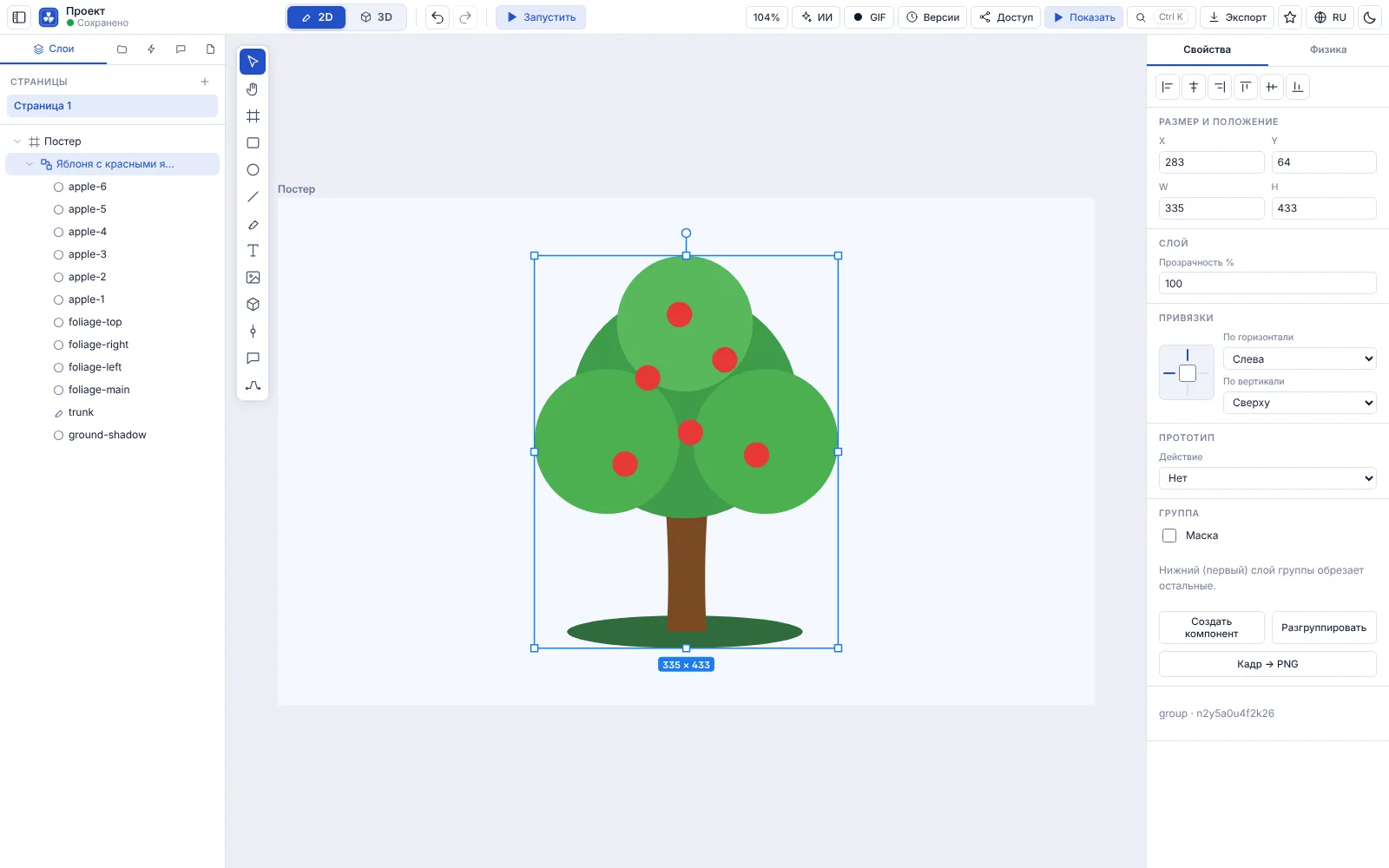
  • The result is ordinary layers with meaningful names: apple, trunk, crown.
  • A canvas size of its own for a card, flyer, banner and button; the text comes from your request.
  • Refine a finished drawing with a new request: “make it red”, “add clouds”.
  • AI usage is limited per day by your plan; what is left is always shown on the in-app home page.
An AI-made drawing in the editor
The “Draw with AI” dialog
Design meets physics

A business card that falls apart

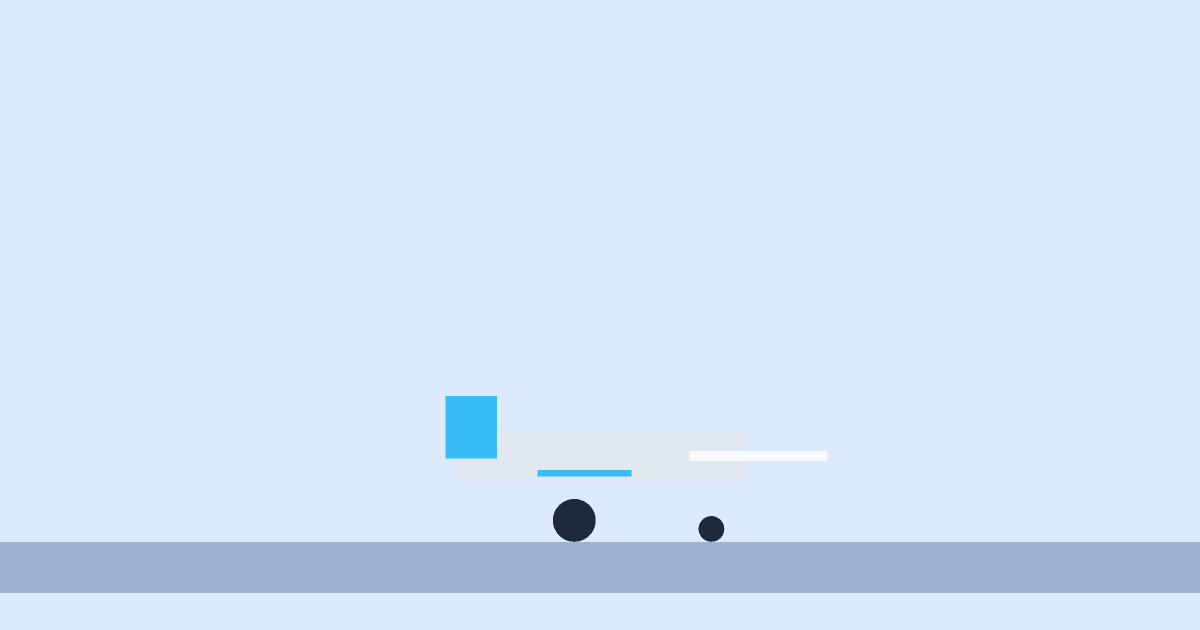
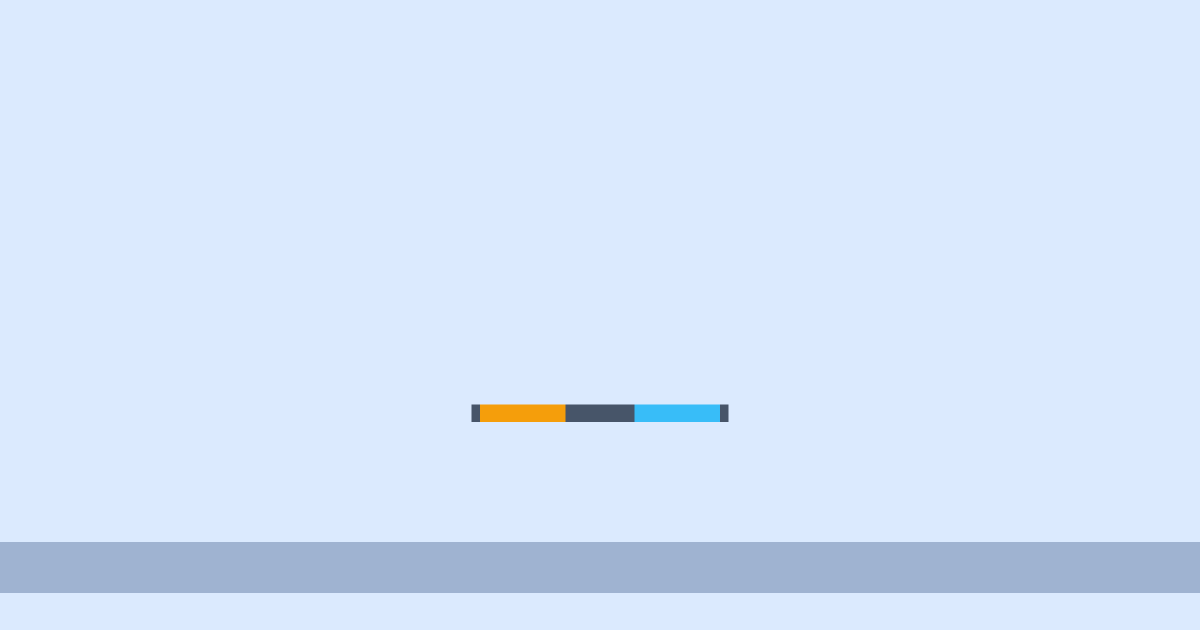
Draw a layout and turn physics on. Every piece of the card becomes a body: it falls, collides and bounces. Press “Run” and watch.
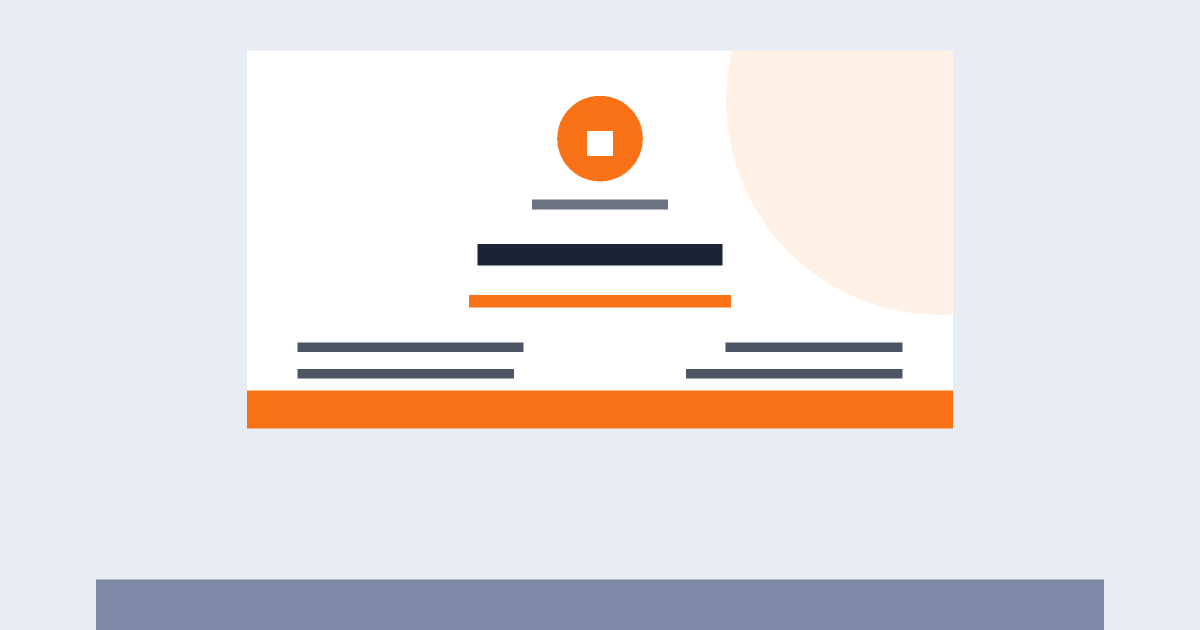
  • The layout stays editable: change the name, contacts and colours in a few clicks
  • Weight, bounce and friction are set separately for each tile
  • Record the result as a GIF and send it to a client
A business card that falls apart: design meets physics

Run an experiment right here

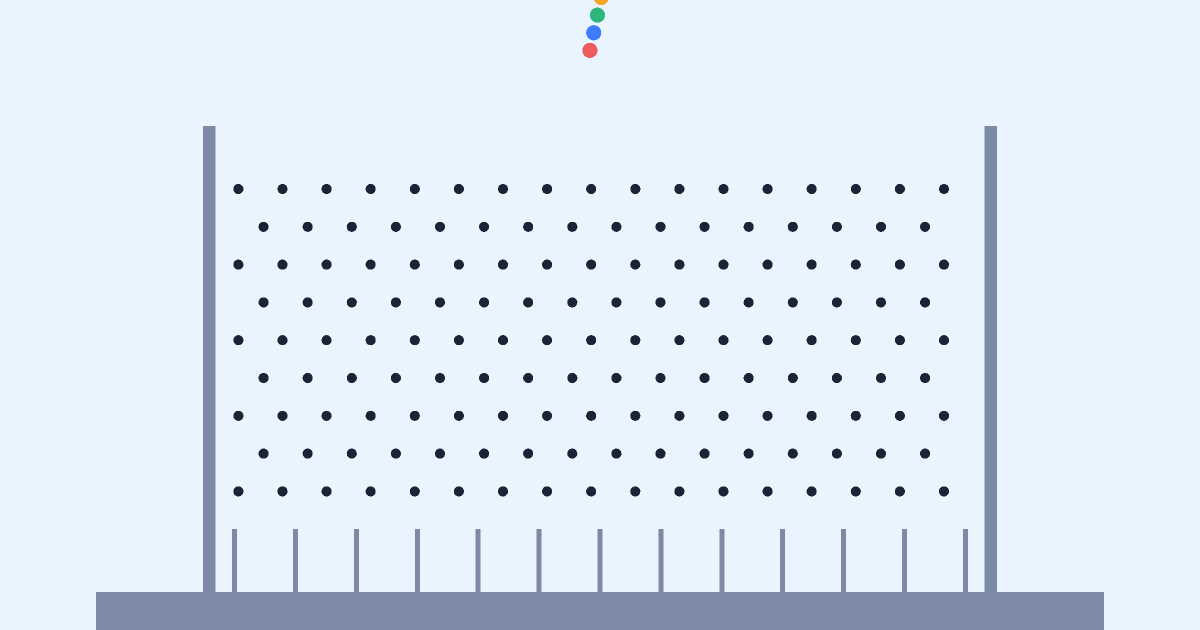
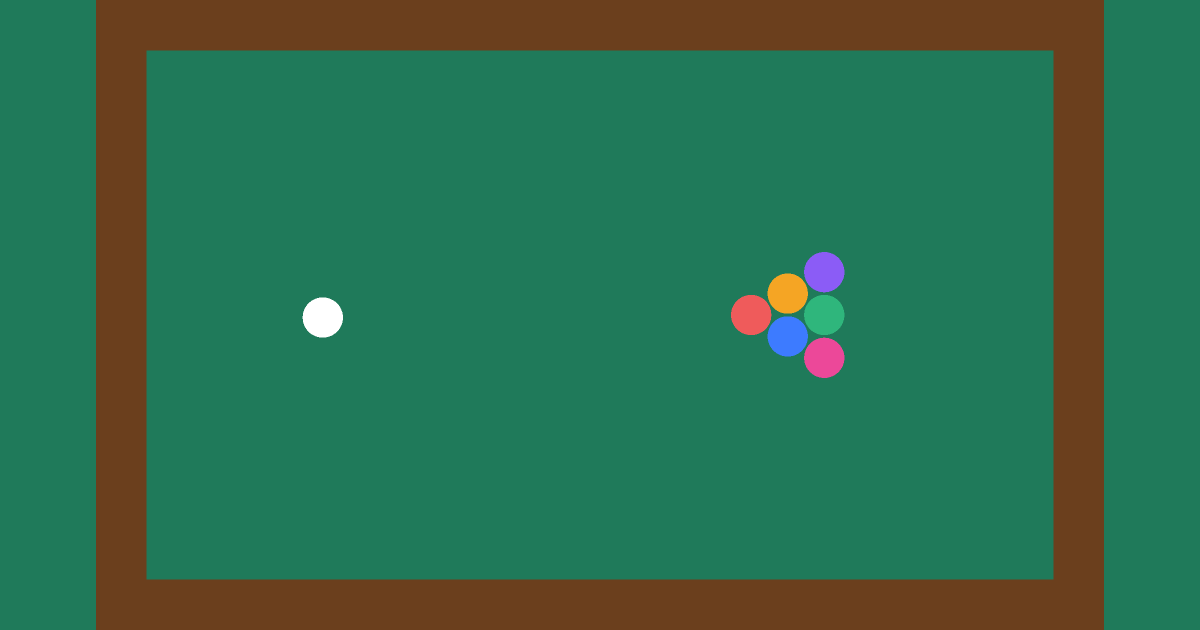
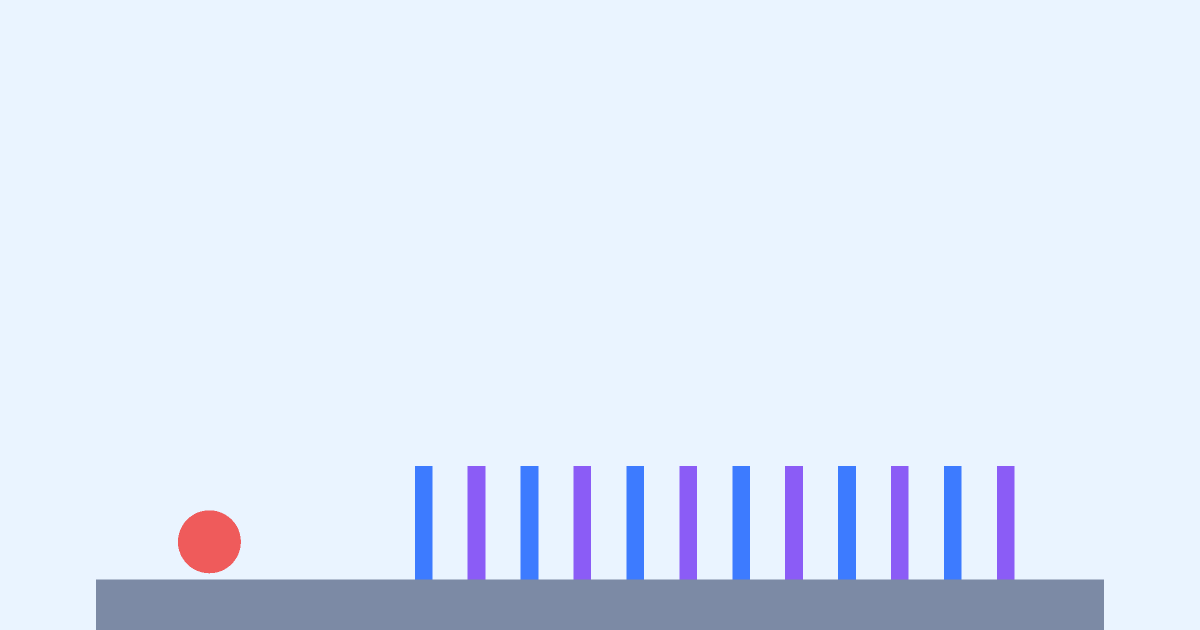
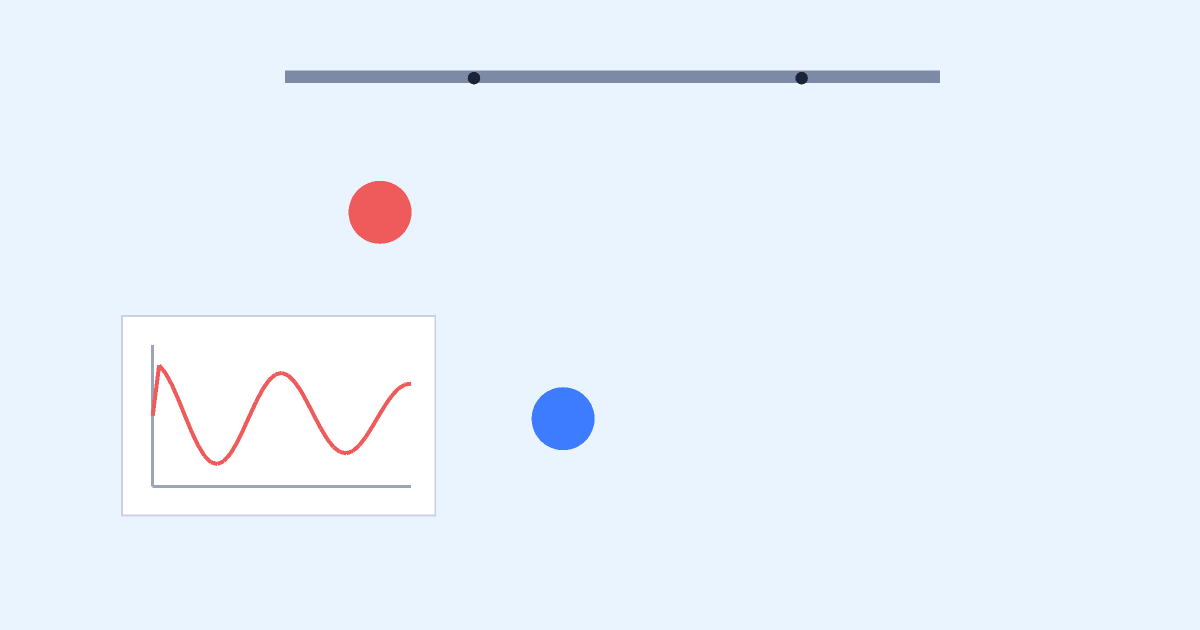
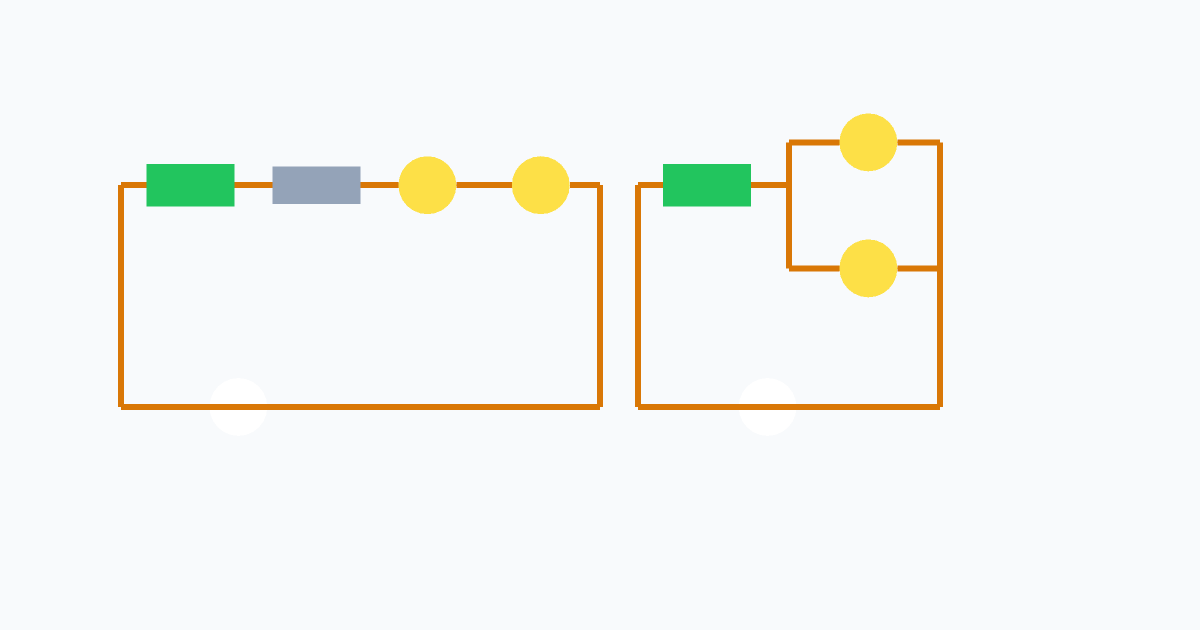
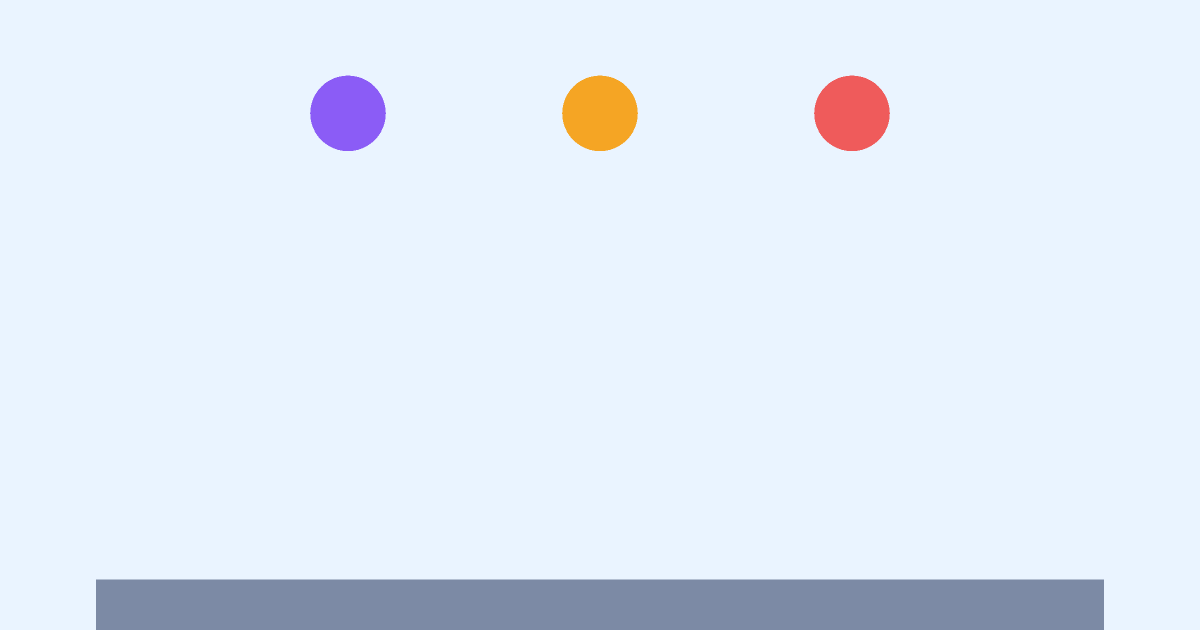
These are not pictures but a real physics engine. Click the balls and cubes, drag them with the mouse or a finger and see what happens.
All experiments →

Family

Parents and caregivers: physics experiments for kids

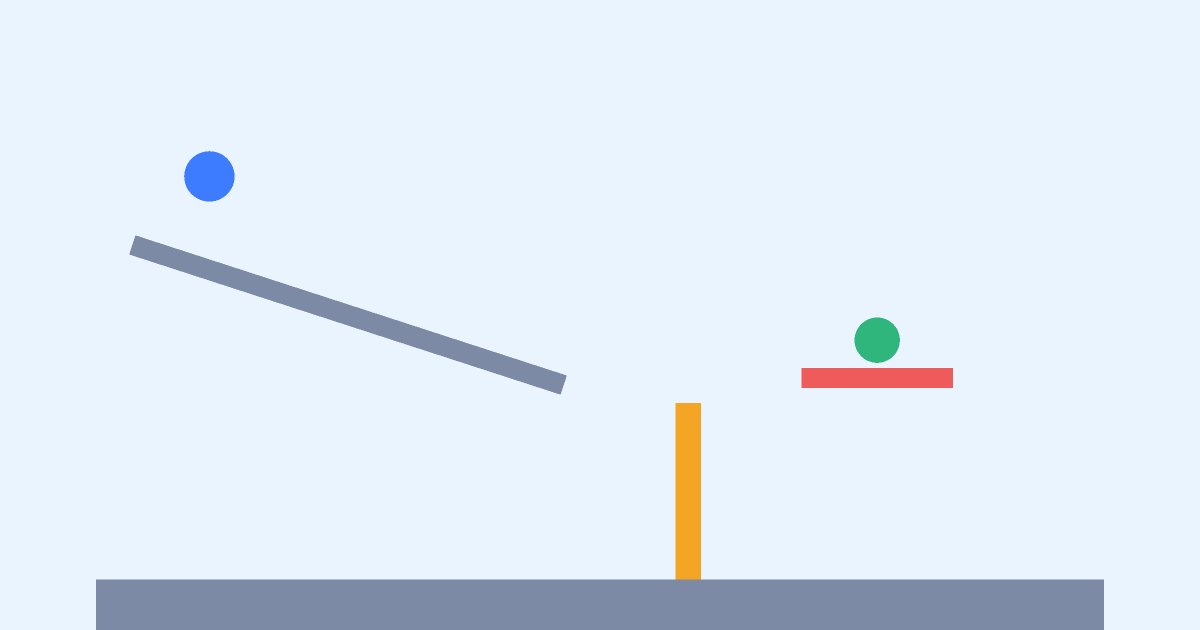
Show your child how the world works. Run a ready-made experiment — bouncing balls, a ramp, a pendulum — and talk about why it happens. Then change a parameter and ask for a prediction.

  • Pick an experiment by age (from 5) and topic: gravity, friction, elasticity.
  • Ask your child to predict the result first, then press “Run”.
  • Repeat it at home with household items — each description has a hint.
  • Change mass, friction and gravity (even Moon-like) and compare.
School

Physics teachers and school clubs

Build your own classroom demos, share a project by invitation and work with the class in one document: students see each other’s cursors and tune parameters together.

  • Open a gallery example as a starting point and extend it with tasks.
  • Give students “editor” or “viewer” access.
  • Save named versions to return to the original setup.
  • Use the questions and explanations from the descriptions to pose problems.
Design

UI and product designers

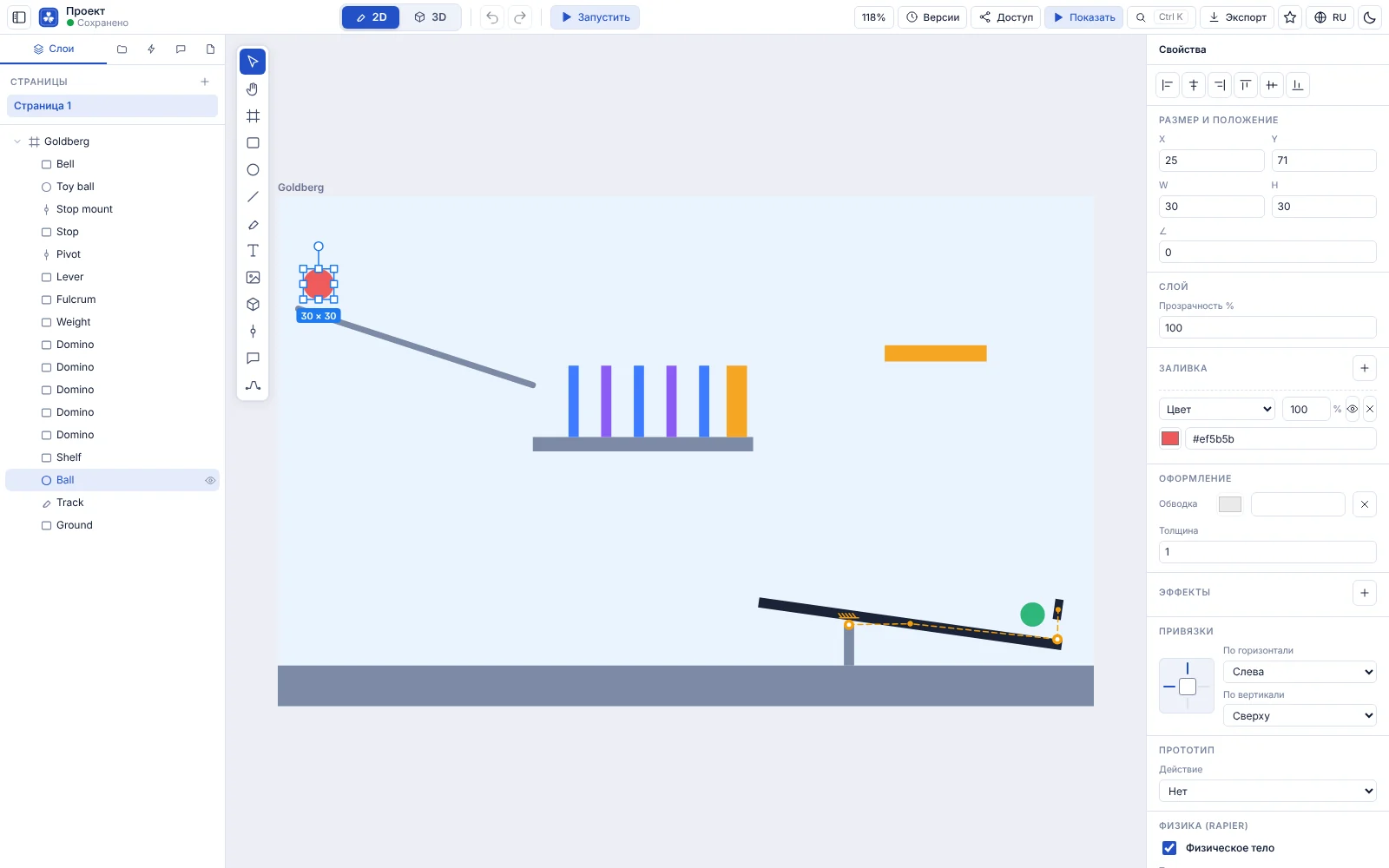
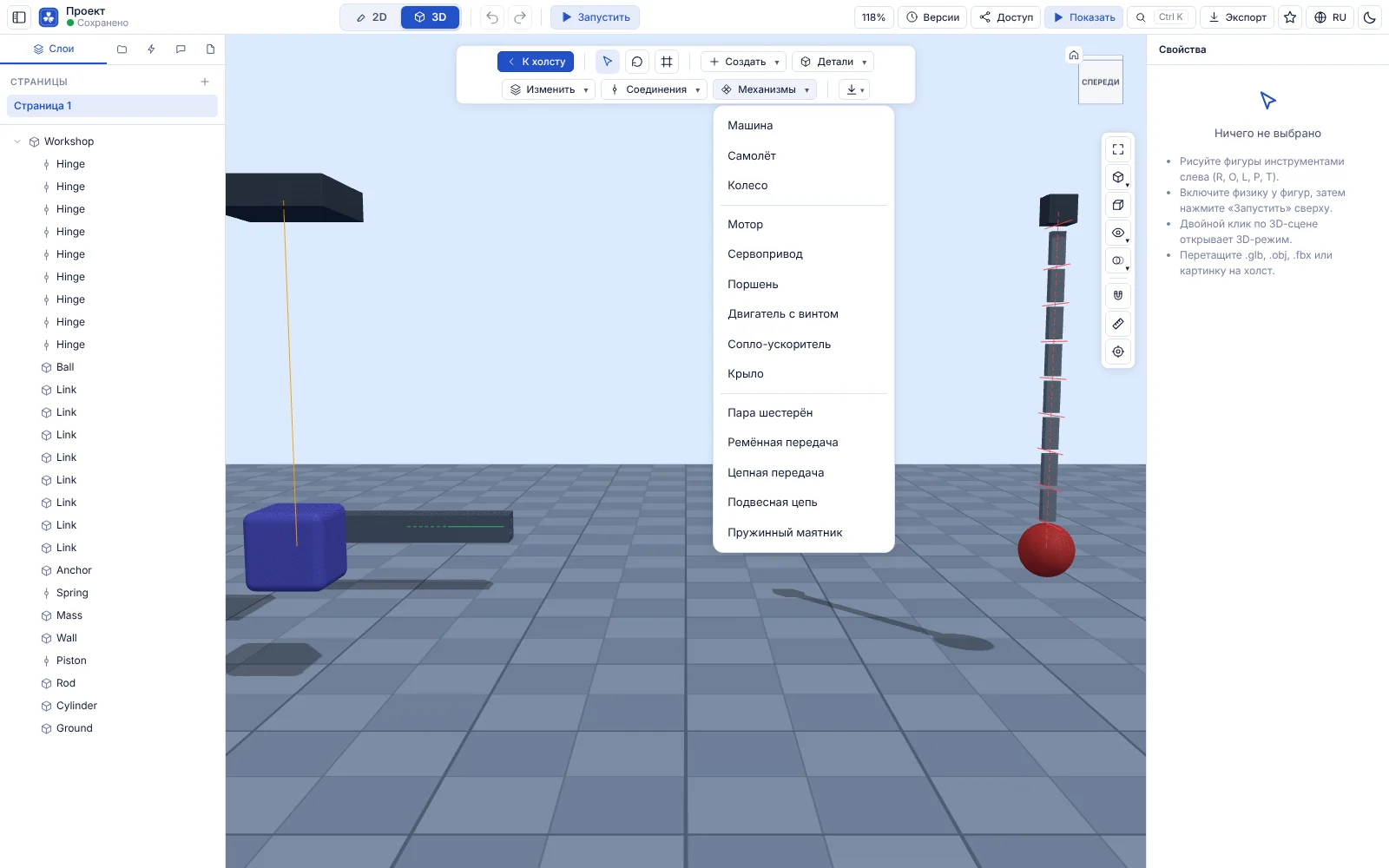
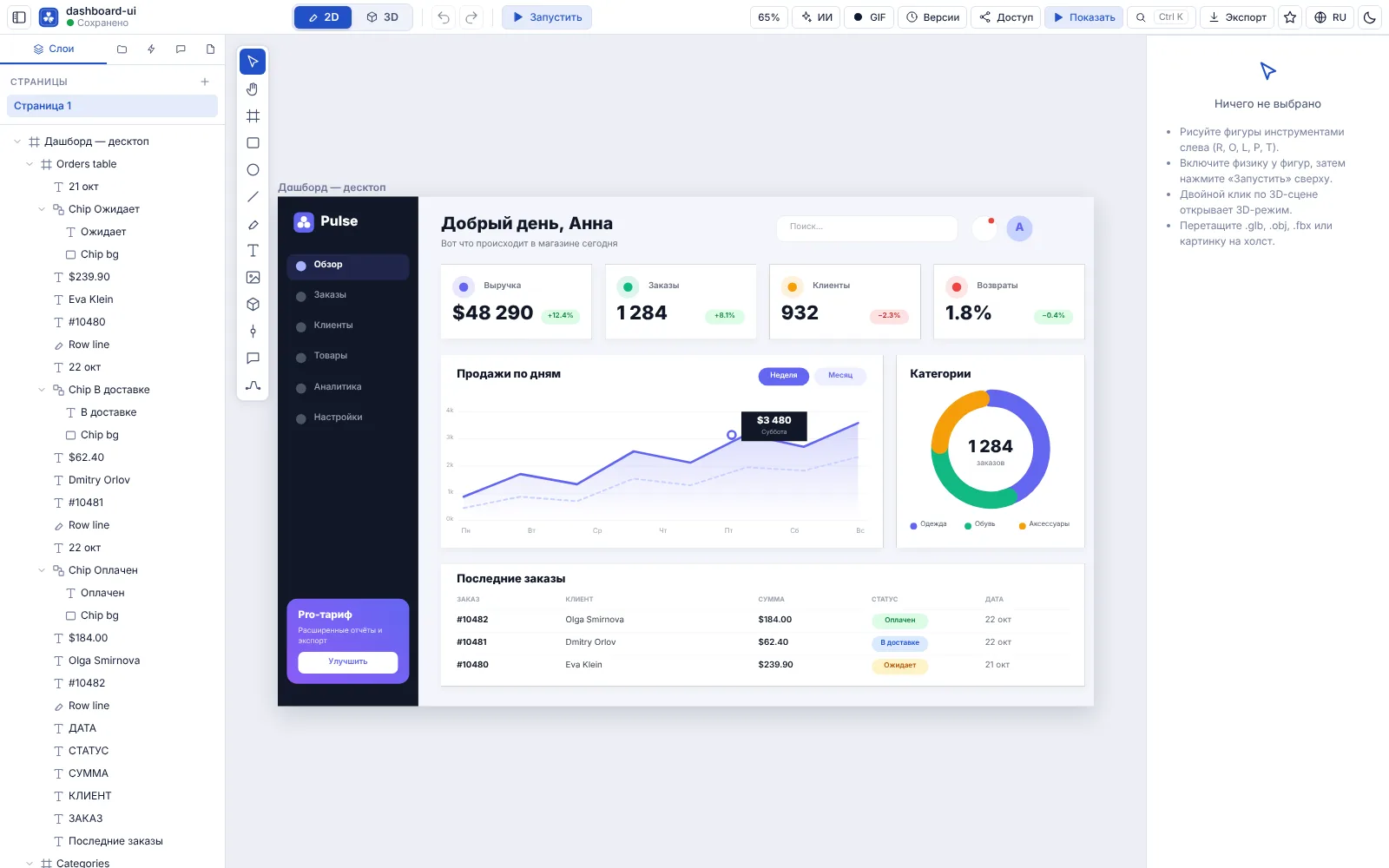
A familiar Figma-style toolset: frames, layers, vector paths, components, global colour and text styles, custom font uploads.

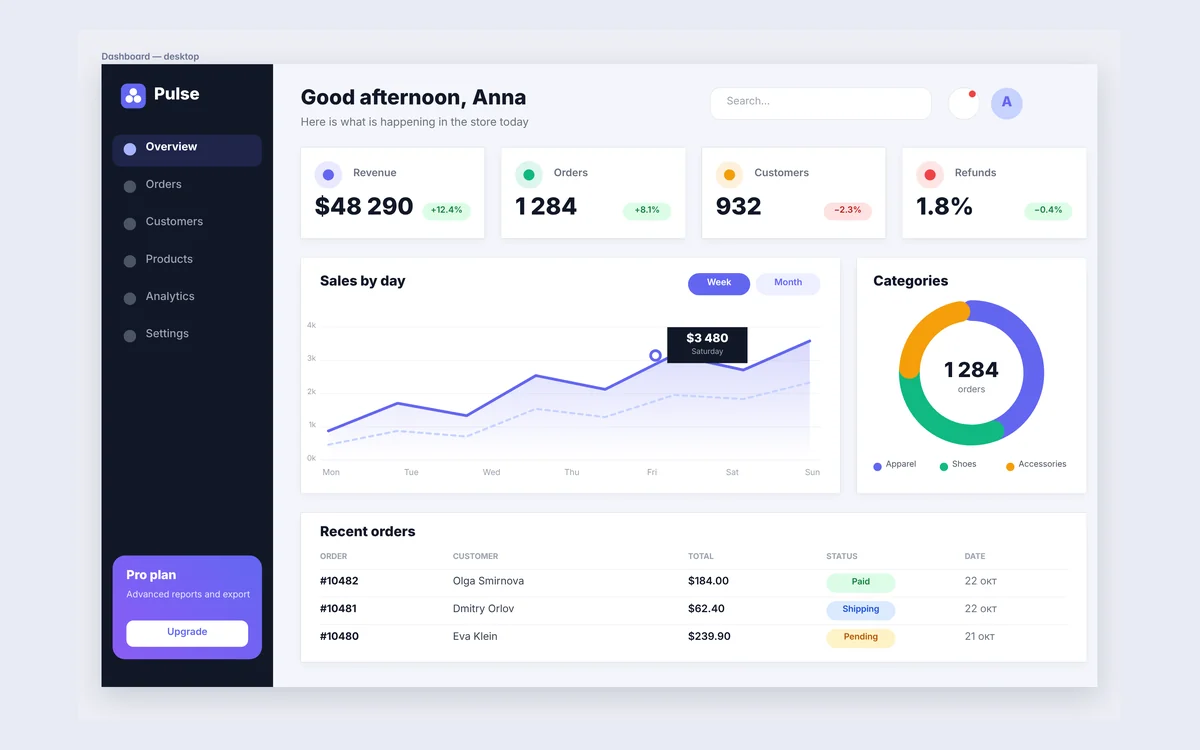
  • Design mockups on an infinite canvas and group layers.
  • Create master components and place instances.
  • Work together: cursors and edits sync instantly.
  • Share a mockup by link and collect comments right on the canvas.
Games

Game developers and prototypers

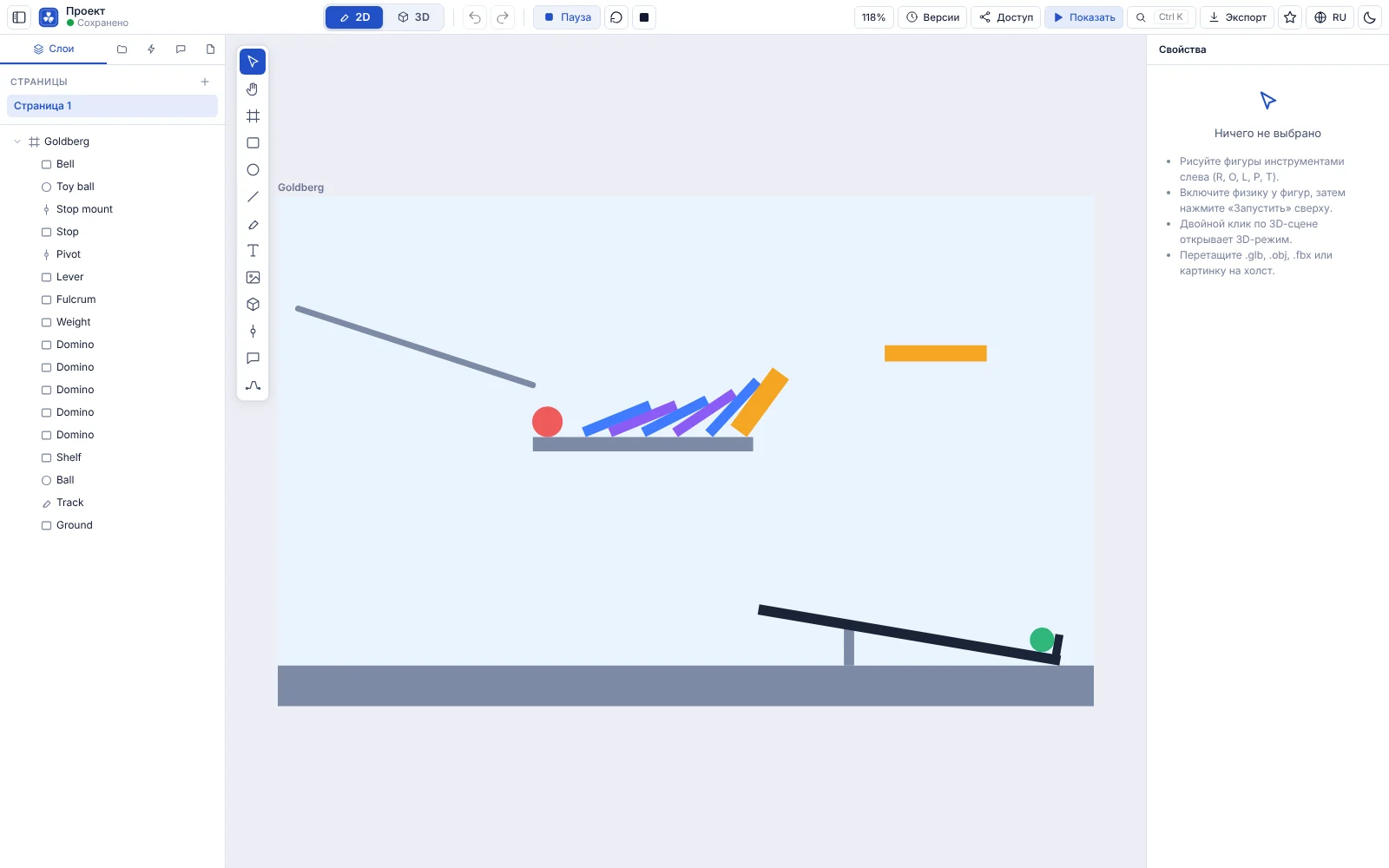
Test a mechanic idea quickly: place bodies, set mass and friction, press “Run”. Rapier is the same engine used in web games.

  • Prototype 2D platformers and puzzles.
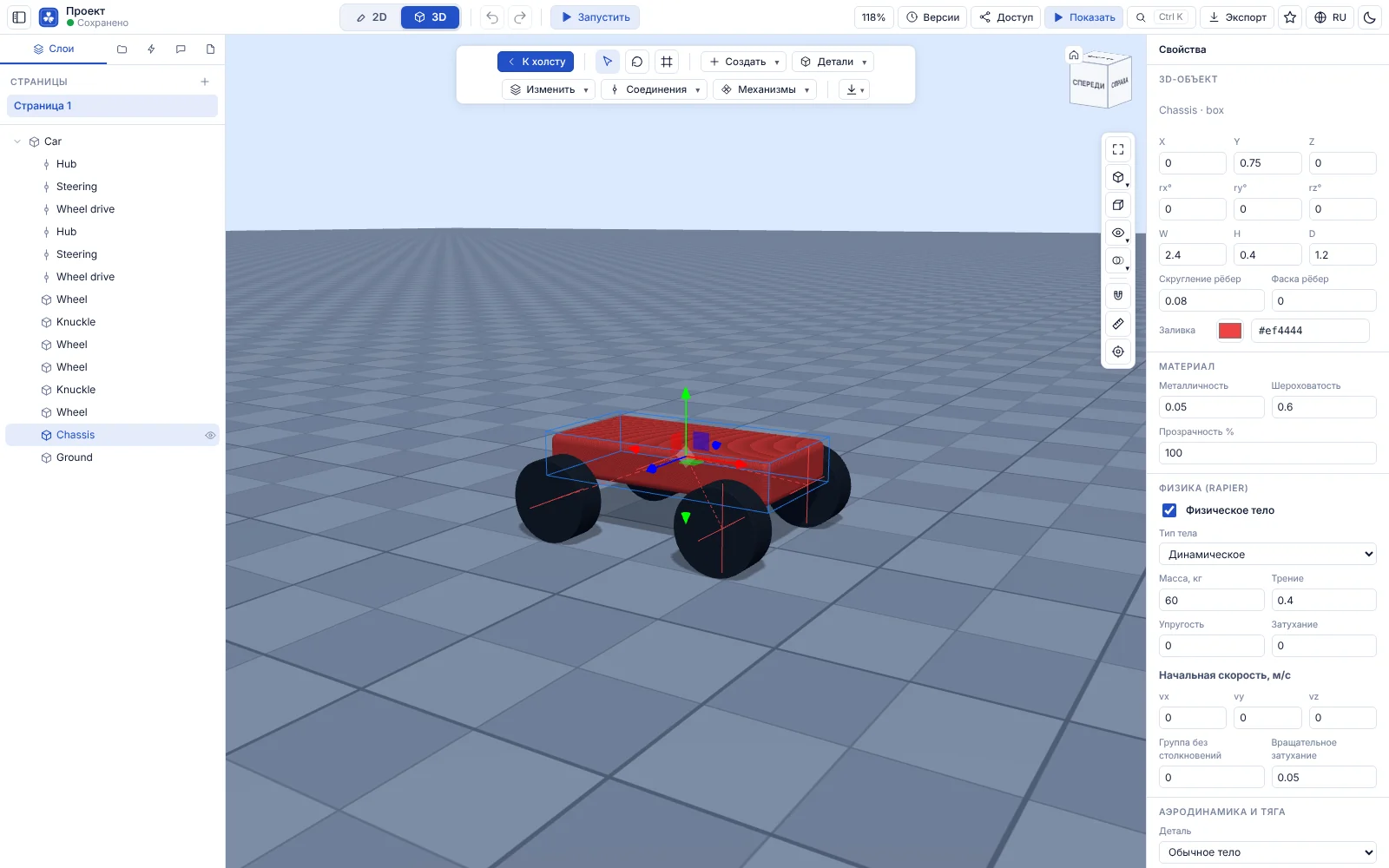
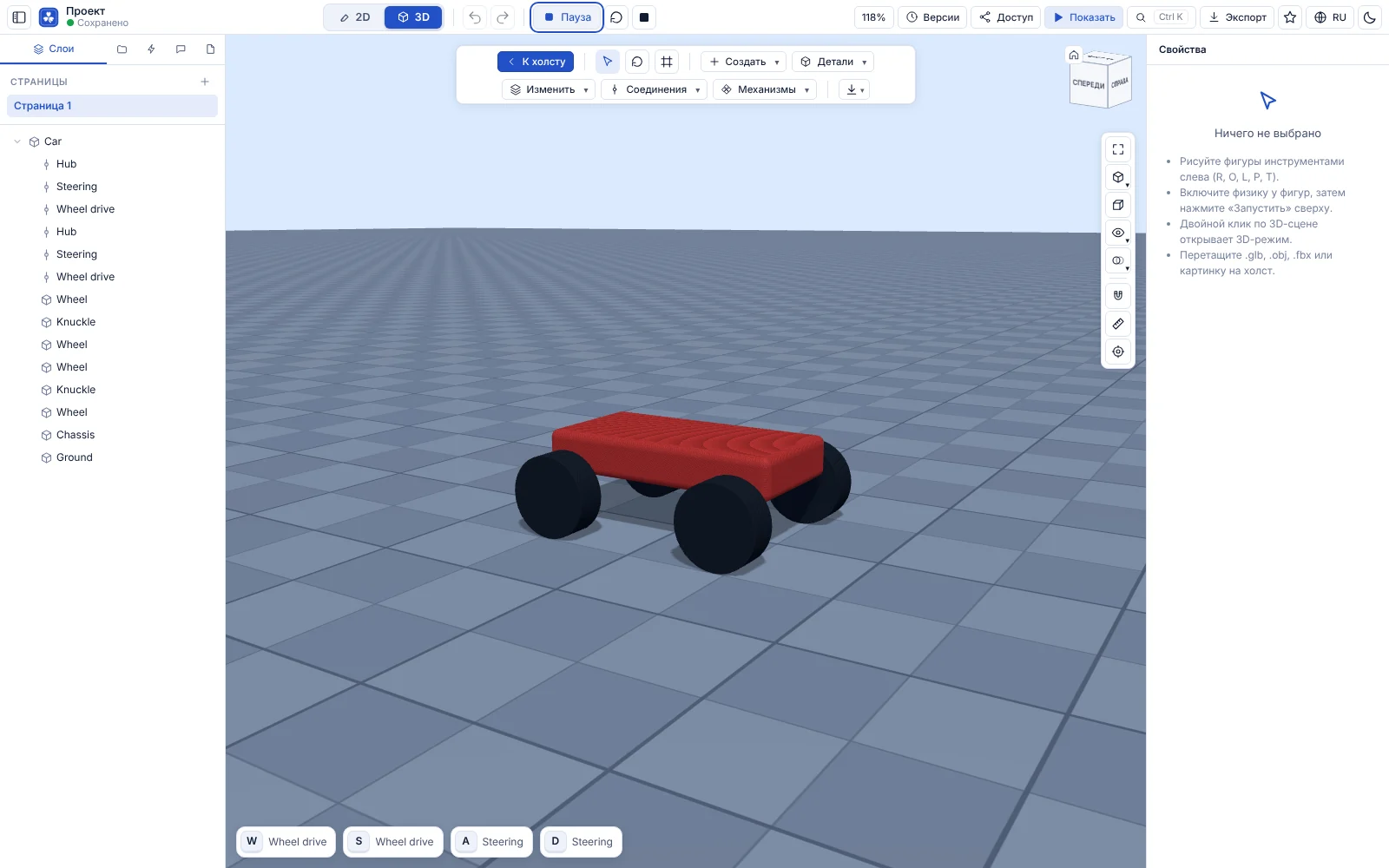
  • Assemble 3D scenes from primitives and GLB models.
  • Export the scene to glTF/GLB.
  • Share the prototype with your team in one link.
3D

3D visualization and product presentations

Upload a glTF/GLB, OBJ or FBX model, place it next to the mockup and show the client the whole scene. Uploads are validated on the server.

  • Import GLB, OBJ and FBX with file structure validation.
  • A 3D scene as a layer inside a 2D mockup.
  • Export the scene to GLB for further work.
  • Models and files are stored in your project within your plan’s storage.

Start in a minute

Sign-up is free: open a ready-made example or start your own project from scratch.