Interface kit: filters and charts
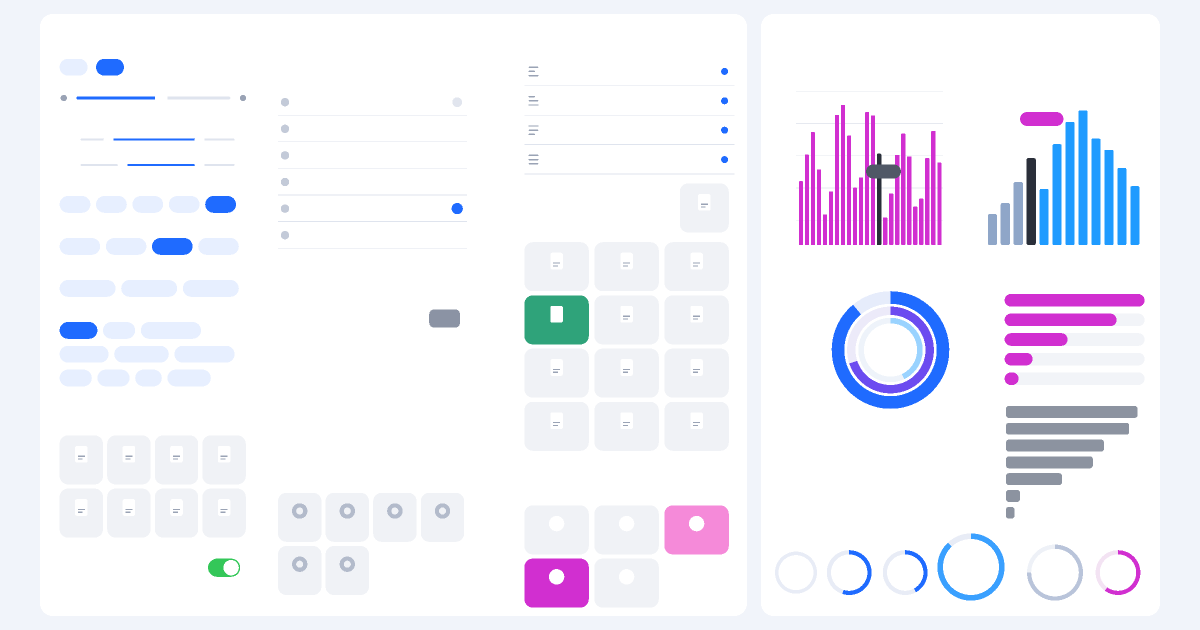
A UI layout: filters (chips, sliders, switches, tiles) and charts. Variables bring the elements to life.
Press “Run”. Bodies move by the laws of physics: gravity, friction, elasticity.
What the experiment shows
This is a UI design sample rather than a physics experiment: every component is plain shapes and text. Five frame variables are bound to properties — the volume slider moves the knob, “Quantity” changes the counter, “Switch” toggles the switch, “Alignment” moves the dot in the list and “Load” stretches the grey bars.
How to run it
- Move the variables under the frame: the volume knob, the counter number, the switch, the selection dot and the bars react at once.
- Open the example in the editor and select any chip or tile — it is a plain rectangle with text, so its colour, radius and size can be changed.
- Turn a tile or chip into a component and place instances of it to restyle the whole kit at once.
Questions to discuss
- Which elements repeat here? What could become a component so you do not redraw them?
- How does a selected chip differ from a normal one: colour, text contrast or outline?
The science
An interface rests on a small set of repeated shapes: pills, tiles, switches and rings. State (selected, on, disabled) is shown by colour, outline and contrast, and sizes follow one spacing grid.
Try it at home
Sketch the screen of your favourite app on paper and mark which elements repeat and how each state looks.
What to change in the editor
- Recolour all the blue elements green: change one chip and copy its style to the others.
- Add a variable and bind it to the width of a coloured bar in the charts block.