Projectile with sliders: pick the angle and speed
Change the angle and speed with sliders and watch the path change. Captions show the time, the ball position and the range from the formula.
2D
Age 10+15 min
Projectile motionGravity
Loading simulation…
Press “Run”. Bodies move by the laws of physics: gravity, friction, elasticity.
What the experiment shows
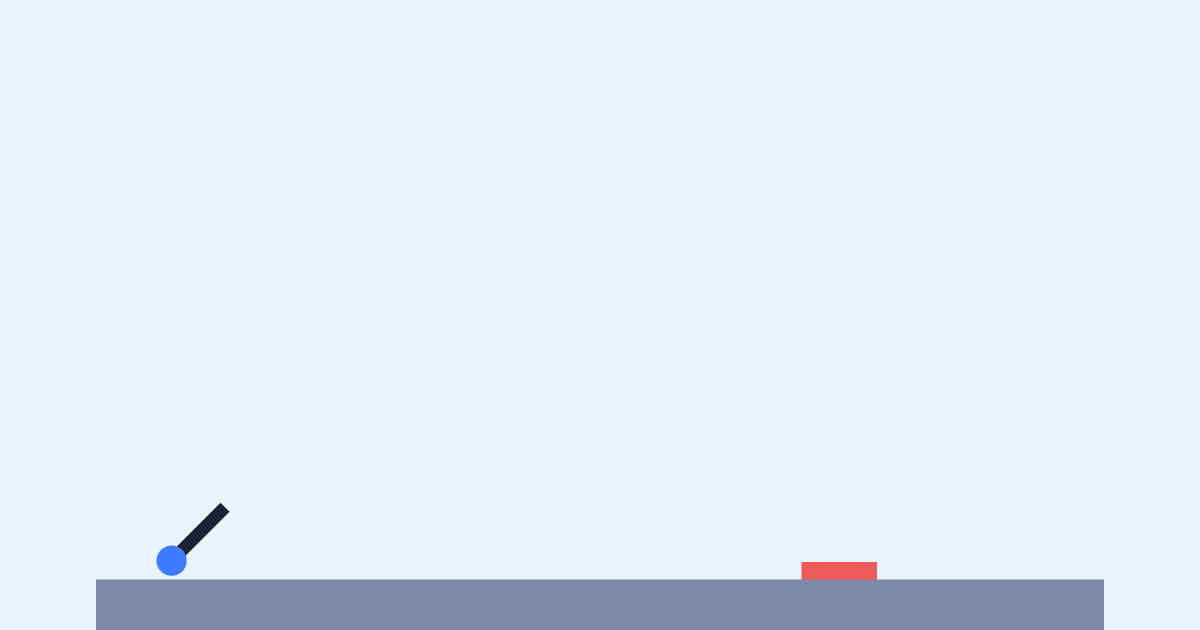
A task with parameters. The angle α and speed v₀ are variables; the barrel and the ball speed are bound to them with formulas. The “R” caption computes the theoretical range, while “x” shows where the ball really is.
How to run it
- Move the α and v₀ sliders — the barrel turns and the experiment restarts.
- Press “Run” and compare the calculated range R with where the ball lands.
- Choose the angle and speed so that the ball lands on the red mark.
Questions to discuss
- How does the range change if the speed doubles?
- Are there two different angles with the same range? What should their sum be?
The science
The range of a throw from the ground is R = v₀²·sin(2α)/g. It grows with the square of the speed and peaks at 45°. The model has no air drag.
Try it at home
Measure how far a ball goes at different angles with a tape and compare it with the formula.
What to change in the editor
- Open the example in the editor, add a “mass” variable and bind it to the ball’s mass.
- Change the frame gravity (Moon ≈ 1.6) and see what happens to the range.